The PDF toolkit for Mac
that asks for nothing.

No uploads. No accounts. No subscriptions.
Compress, merge, split and convert PDFs — offline on your Mac, free forever.

Your PDF is too big
to send.

The upload sites want an account.
Adobe wants a subscription.

Compacto doesn't.

Drop your file. Pick a size. Done in seconds —
entirely offline. No PDF ever leaves your Mac.

Free. Actually free.

Three compression levels. Preview the file size before you save.
No limits. No watermarks.

MIN
Smallest
Maximum compression. Push it as small as it'll go — ideal for email.
MID
Balanced
The sweet spot between size and quality. Works for almost everything.
MAX
Best
Trim the weight, keep the detail. For documents where clarity matters.

Runs natively on Apple Silicon and Intel Macs · macOS 13+

Nine tools.
One purchase.

Unlock a full PDF toolkit, permanently.
No subscription. No monthly fees. Buy once, own forever.
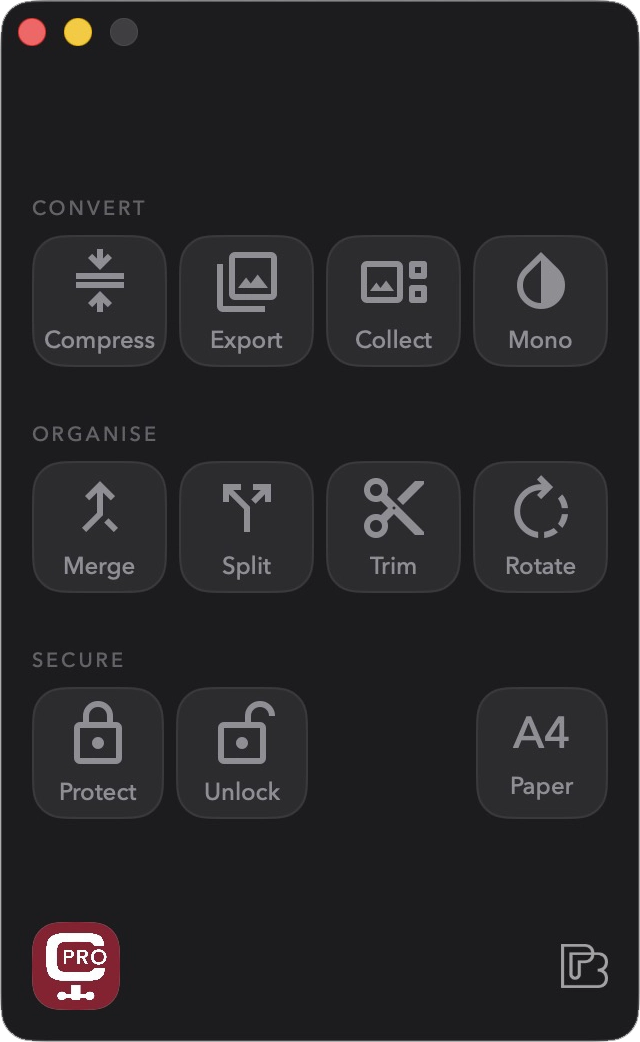
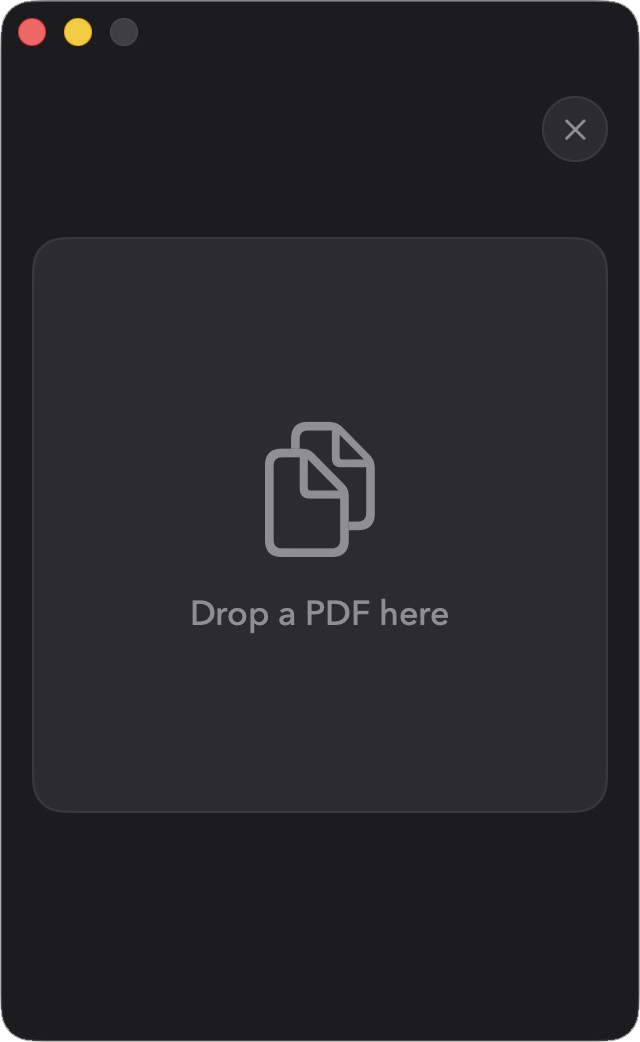
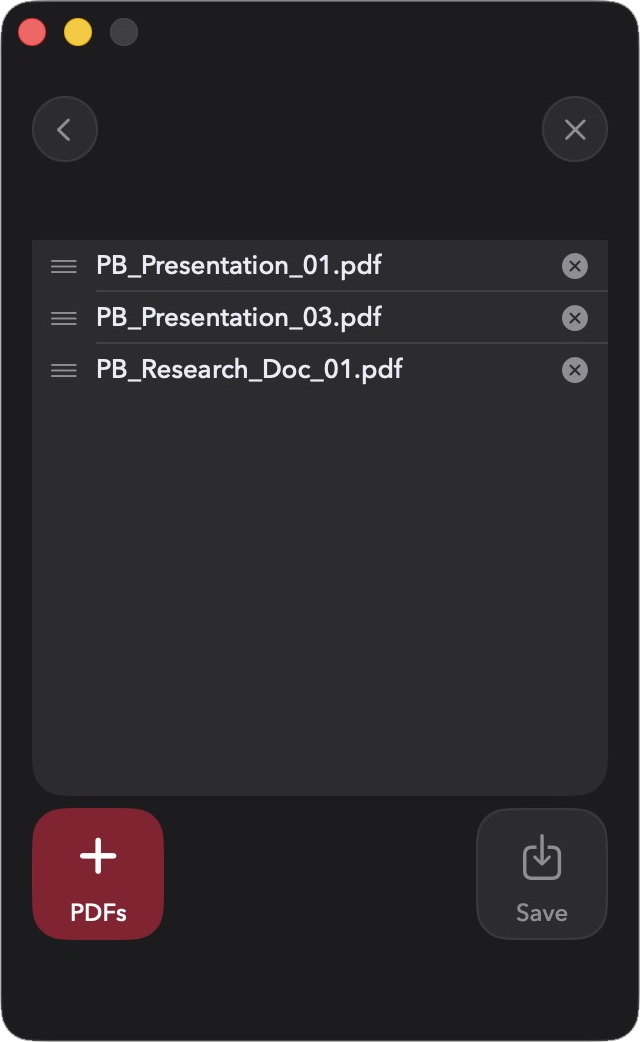
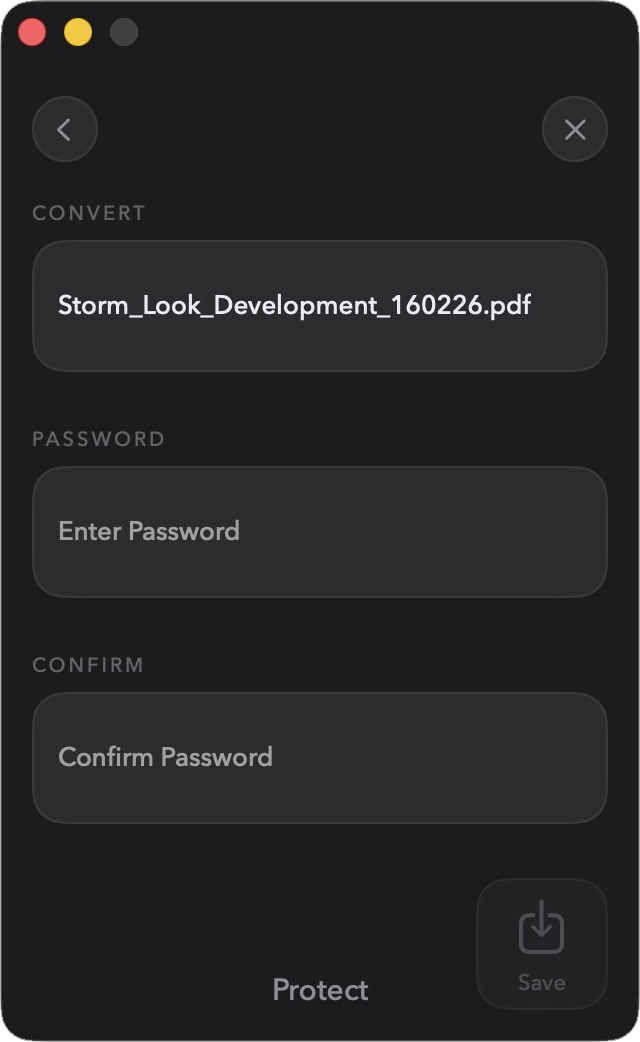
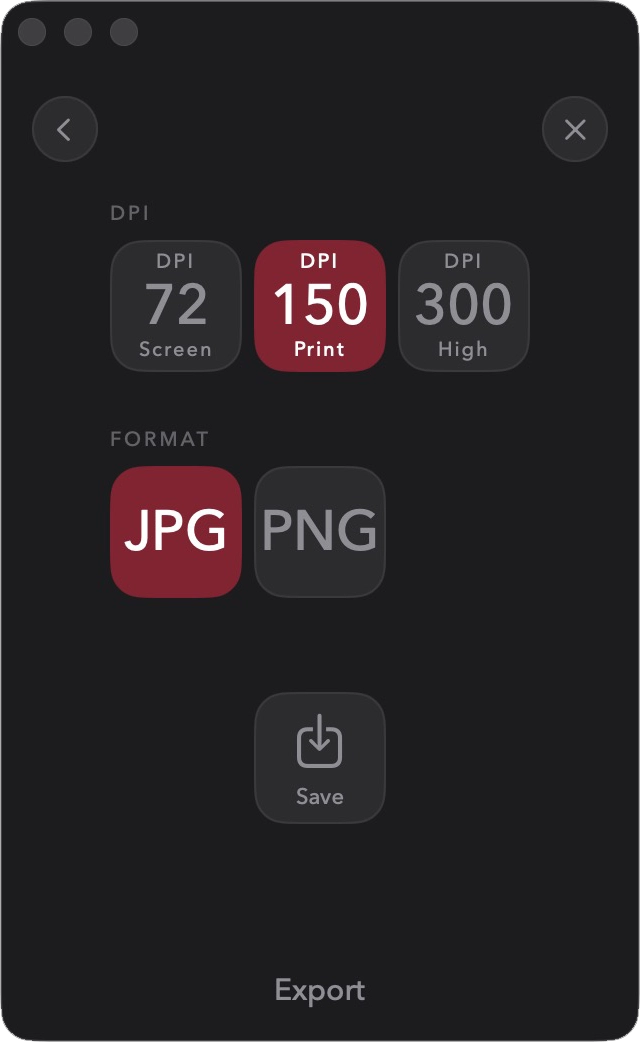
Compacto main menu Compacto drop PDF Compacto merge Compacto protect Compacto export

Export pages as sharp JPEG or PNG images. Collect images into a single PDF. Convert any document to greyscale for clean, ink-friendly printing. Merge, split, trim, and rotate with drag-and-drop simplicity. Lock a PDF with a password before you send it, or strip the password from one you've received. Every tool works offline, on your file, in seconds.

What Compacto
doesn't have

  • AccountsNone needed. Ever.
  • UploadsFiles never leave your Mac
  • SubscriptionsOne-time purchase
  • WatermarksNever
  • File size limitsNone

Pay once. Use forever.

Pro tools — $14.99. No subscription. Compress free, always.
Price in AUD. May vary by region.

Every tool you need. Nothing you don't.

Compacto logo

Fast, offline, and yours forever.